Pricing & Plans
Free Plan
Track your first 30 meetings at no cost. No credit card required, no time limit on when you use them.
What's included:
- Automatic attendance tracking via Chrome extension or Workspace add-on
- Join time, leave time, and duration for every participant
- Present, Late, and Absent status detection
- Basic CSV export for individual meetings
- Works with Gmail accounts, no Google Workspace subscription needed
After you've used your 30 meetings, all your data stays accessible. You can view, search, and export existing reports. You just can't track new meetings until you upgrade.
Meeting Limit
The Free plan limit is 30 meetings total, lifetime. This is not a monthly allowance and does not reset.
- Each tracked meeting counts as one, whether tracked by the Chrome extension or Workspace add-on
- Retrieved meetings also count
- Deleted meetings still count. Deleting a meeting does not free up a slot. The limit tracks meetings that were recorded, not meetings currently stored.
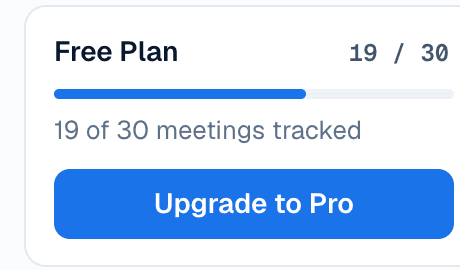
Checking Your Usage
Your meeting count is visible in the sidebar on every dashboard page.
When You Hit the Limit
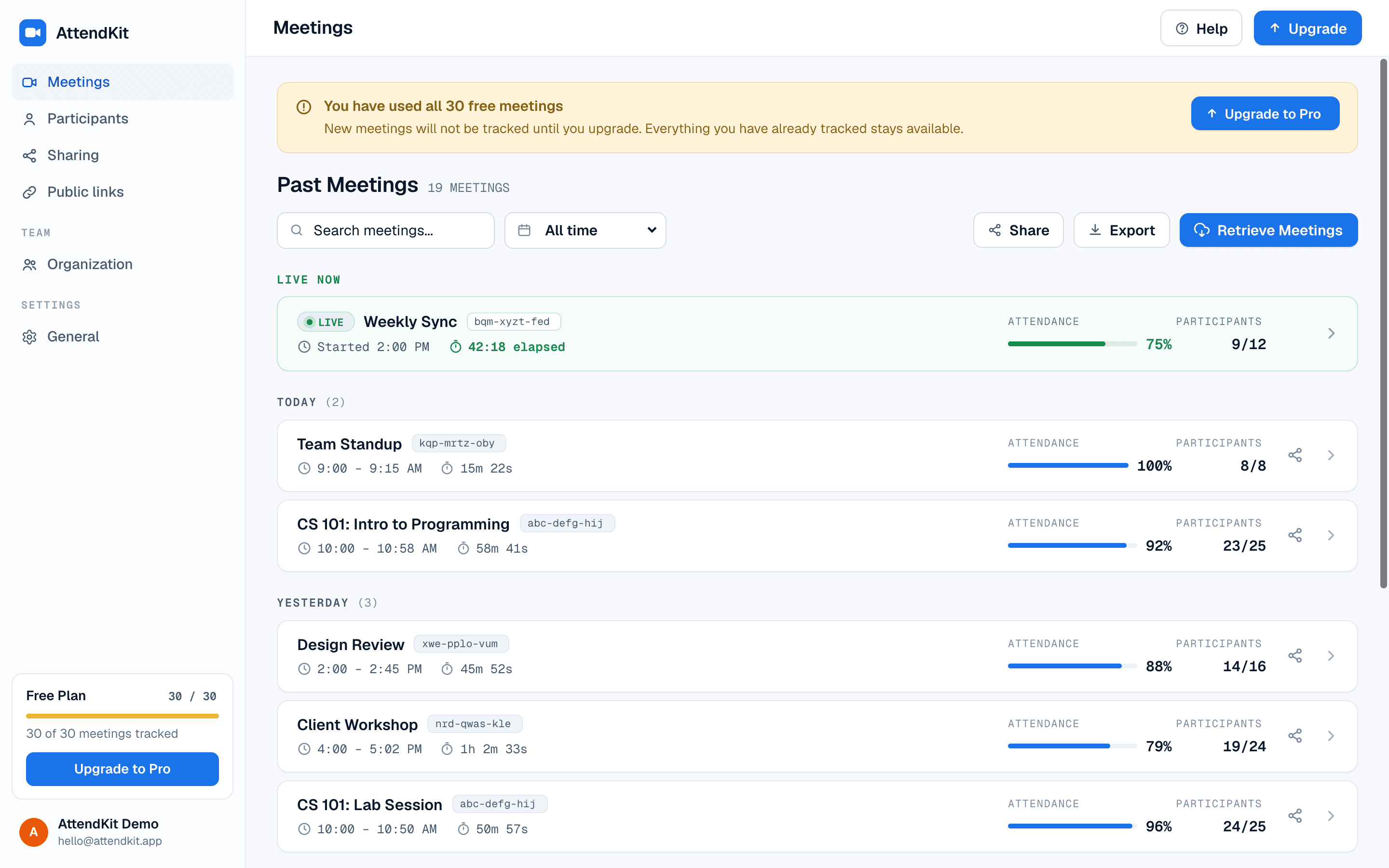
When all 30 meetings are used:
- New meetings will not be tracked even with the extension active
- Retrieve Meetings is blocked
- All existing data remains fully accessible
- A banner prompts you to upgrade
Pro Plan
$39/year, billed annually. Removes the meeting limit and unlocks the full feature set.
Everything in Free, plus:
- Unlimited meetings
- Public report links for sending a report to anyone outside your organization
- Bulk export for multiple meetings at once
- PDF reports for sharing and printing
- Advanced CSV exports with session timelines and invitation data
- Priority email support
- 14-day money-back guarantee
Team Plans
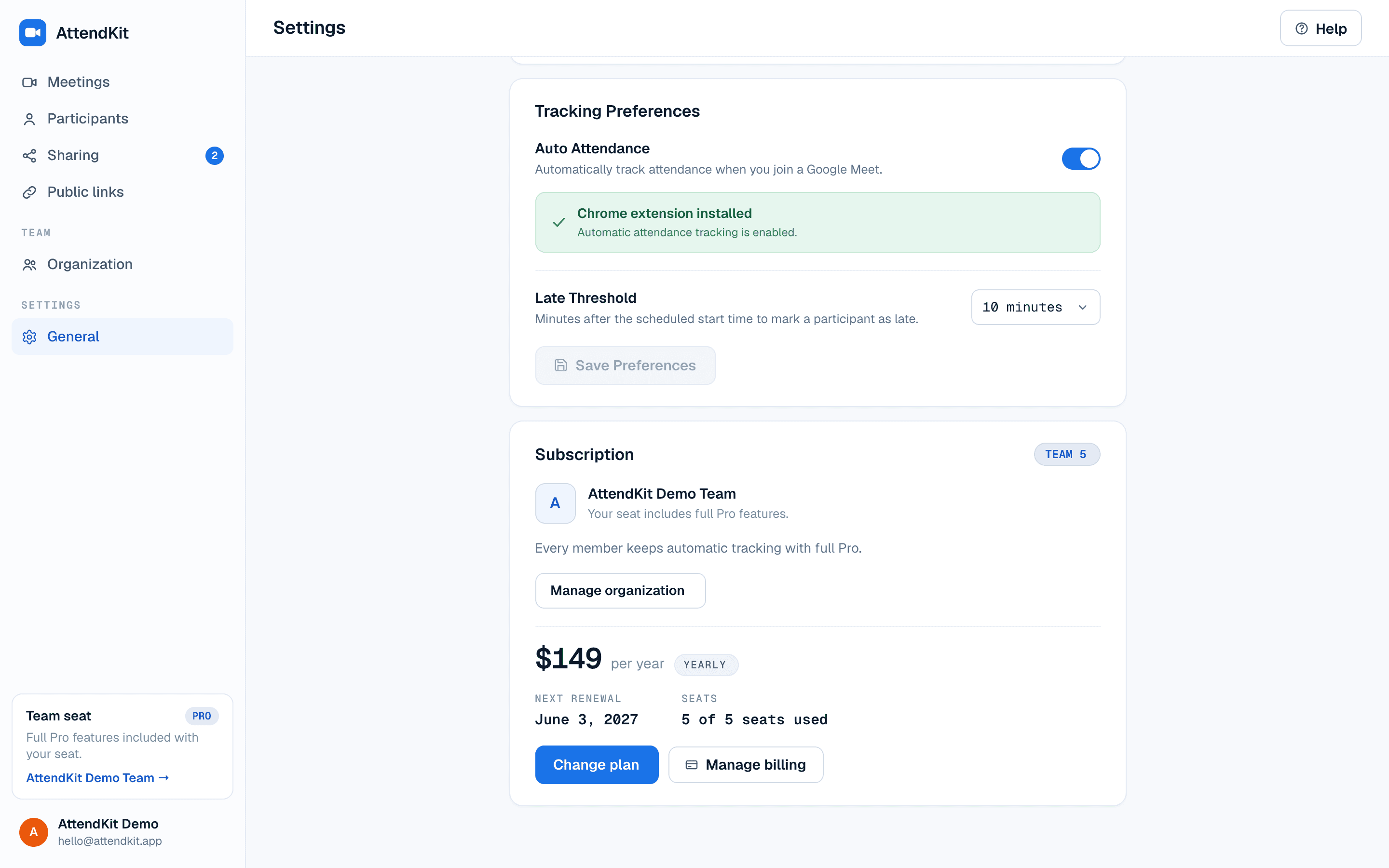
Team plans add an organization: a shared workspace where every seat carries full Pro, on one bill.
There are two sizes. Team 5 is $14.99/month or $149/year for 5 seats. Team 20 is $49/month or $499/year for 20 seats.
Everything in Pro, for every seat, plus:
- An organization with email invitations and seat management
- Teammate sharing, so a colleague can open your reports in their own account
- A Shared with me view for reports others have shared with you
- One pooled bill instead of a subscription per person
Comparing the Plans
What the Sidebar Tells You
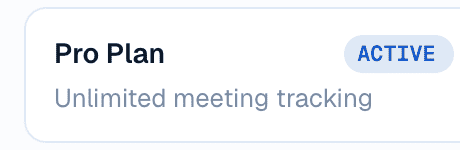
The card at the bottom of the sidebar shows one of three things, depending on how your account is paid for.
Managing Your Subscription
Click Manage Subscription from the sidebar or Settings page to open the Paddle customer portal where you can:
- View payment history and download invoices
- Update your payment method
- Cancel your subscription
- Update billing details
If you cancel, you keep Pro access until the end of your current billing period. After that, your account reverts to the Free plan, but all your data remains accessible.
For the full side-by-side comparison, visit our Pricing page.
Unlock unlimited meetings, PDF exports & analytics
Upgrade to Pro for unlimited tracking and advanced features.