Install the Workspace Add-on
The Workspace add-on works on any device and any browser, including Safari, Firefox, tablets, and Chromebooks. Use it when you can't install the Chrome extension or prefer working outside Chrome. During a Google Meet call, open the add-on from the side panel to start tracking. Your participants don't need to install anything. You can use the add-on on its own or alongside the Chrome extension. Both feed into the same dashboard.
Steps to Install
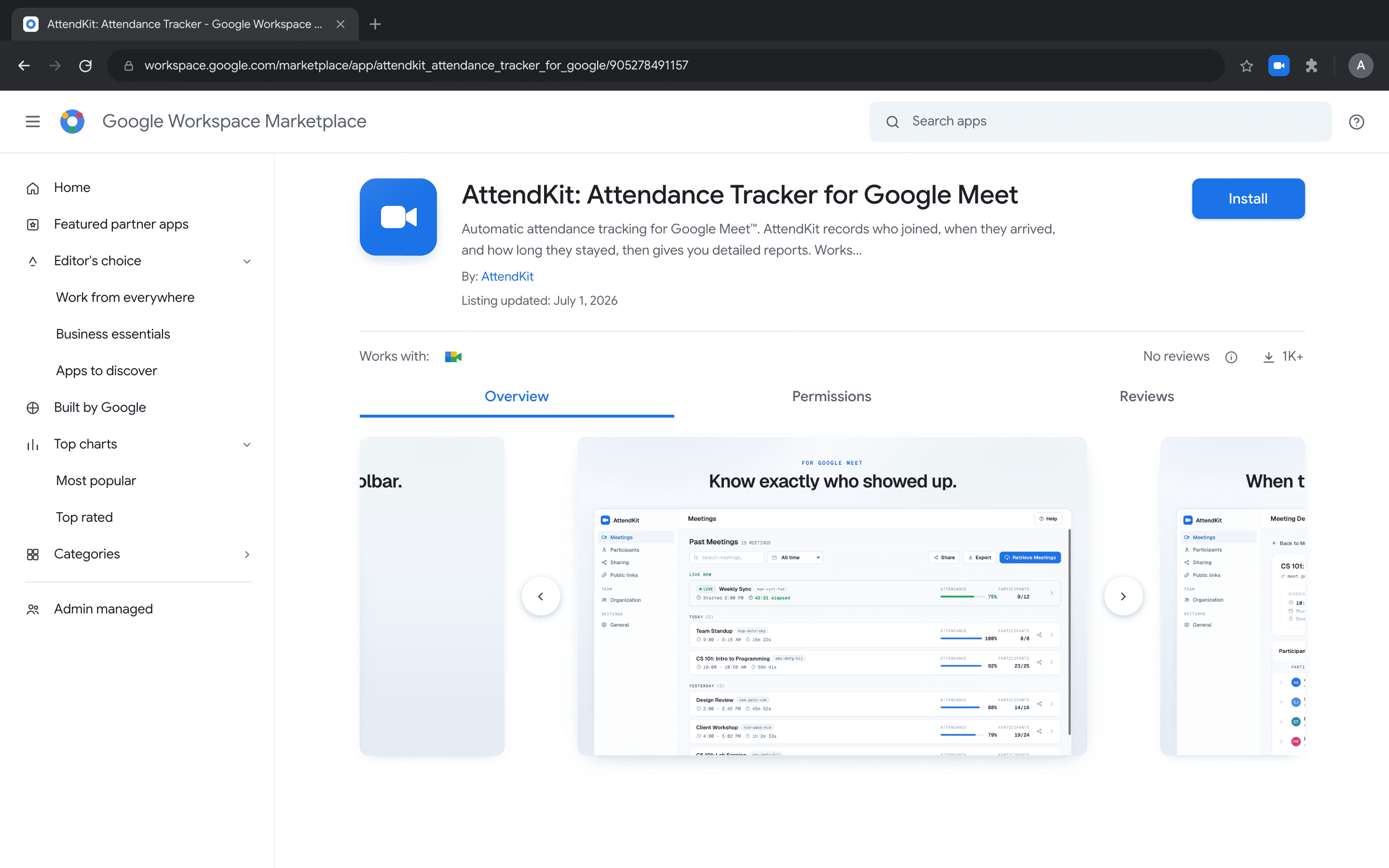
- Go to the AttendKit listing on the Google Workspace Marketplace.
- Click Install and choose whether to install for just your account or your entire domain.
- Review and accept the required permissions. These allow AttendKit to read meeting participant data.
- Sign in with the same Google account you use for Google Meet. AttendKit only tracks calls joined with the account it is signed in to.
Start Tracking During a Call
Installing the add-on does not track anything by itself. Tracking begins when you open it inside a call.
- Join your Google Meet call as normal.
- Open the activities or add-ons panel from the bottom right of the Meet window.
- Choose AttendKit from the list. Tracking starts at that moment.
- Close the side panel if you want the screen back. Tracking keeps running until the meeting ends.
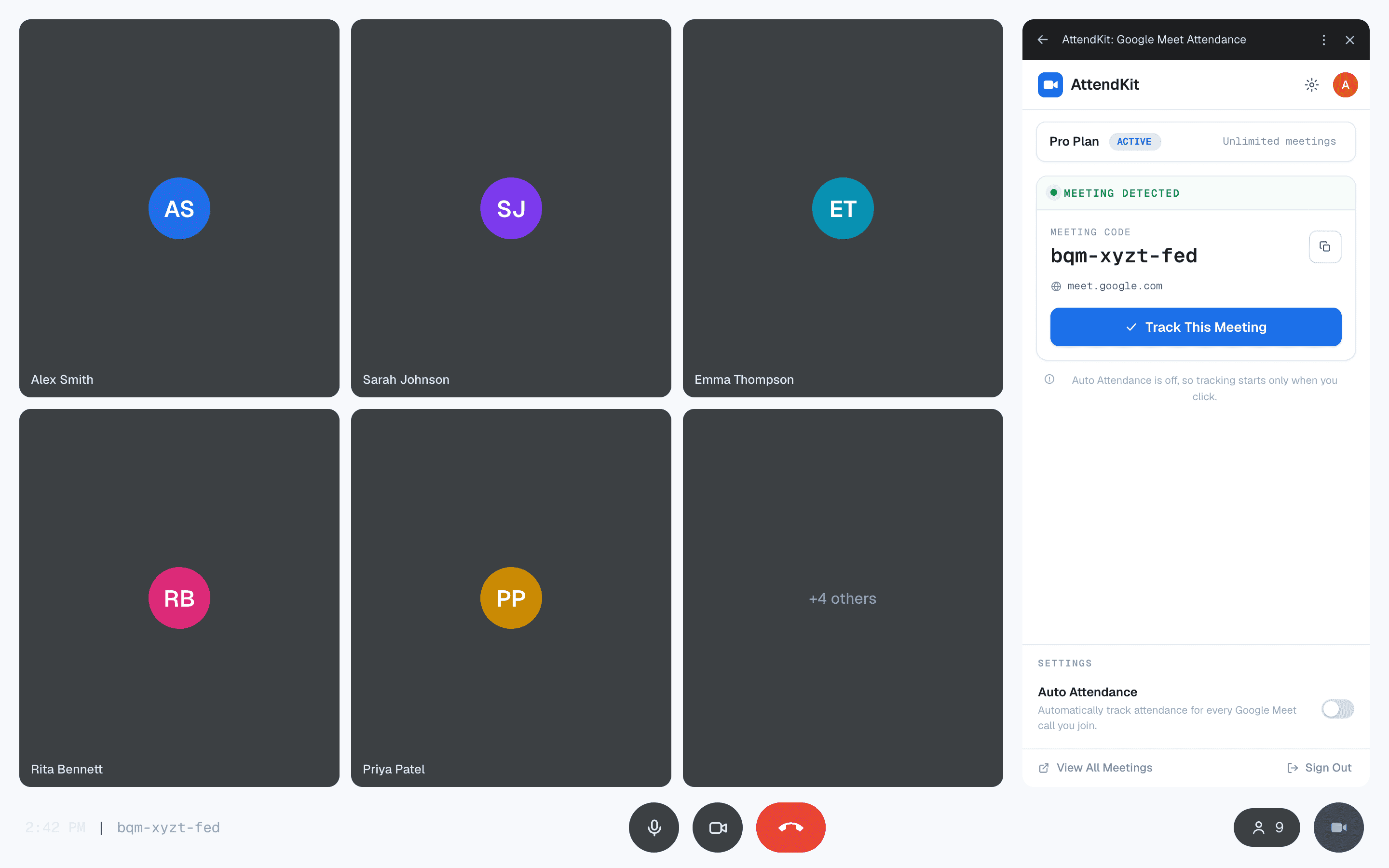
You do not have to open the panel early. When you open AttendKit, it picks up the full attendance history for that call from Google Meet. Anyone who joined before you opened the panel still appears in the report with their real join and leave times, including people who have already left.
After the Call
The meeting appears on your Meetings page once the call ends, with the same report you would get from the Chrome extension: join and leave times, duration, attendance percentage, and Present, Late or Absent status for every participant.
If a meeting is missing, the usual cause is that the panel was never opened. You can still pull it in afterwards with Retrieve Meetings. See Why a Google Meet Meeting Was Not Tracked.